 SDM Documentation
Partners
Managing Schools
Track school status, users, and settings
Managing Schools
Monitor and manage your schools from the Partner Dashboard.
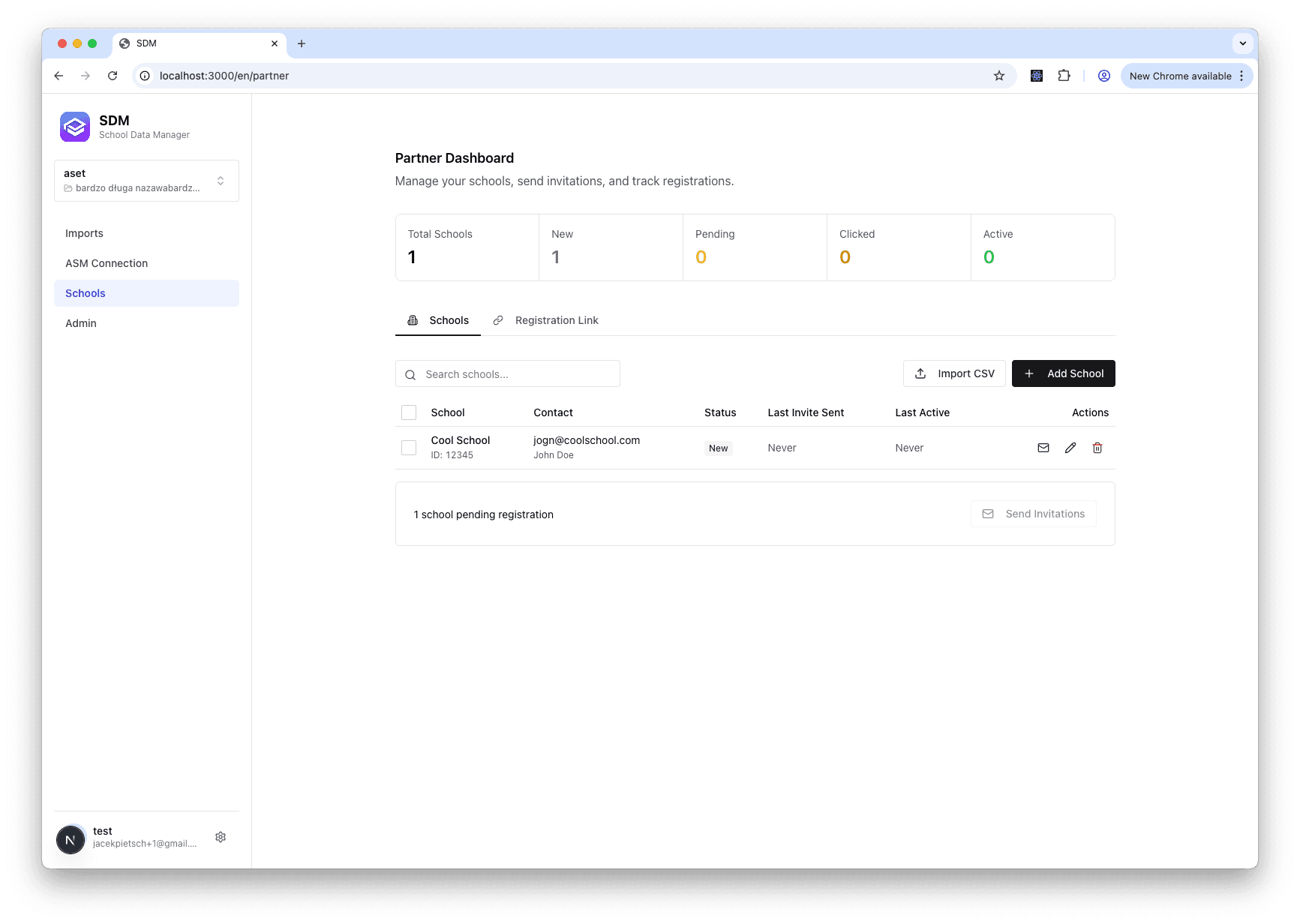
School List
The dashboard shows:
- School name and status
- Contact email
- Last activity
- Invitation status
- Workspace share status
School Details
Click on a school to view:
Overview
- School information
- Status and activity
- Registration date
Users
- Registered users
- Roles (admin, school user)
- Last login
Workspaces
- Shared workspaces
- Share status (pending, active)
Flows
- Active data flows
- Execution history
Editing Schools
- Click on a school
- Click Edit
- Update information
- Click Save
School Status Lifecycle
NEW → PENDING → CLICKED → ACTIVE| Status | Description |
|---|---|
| NEW | Created, not invited |
| PENDING | Invitation sent |
| CLICKED | Link clicked |
| ACTIVE | Registered and active |
Disconnecting Schools
- Click on a school
- Click Disconnect
- Confirm
School loses access to shared resources.
Exporting School Data
- Click Export
- Choose format (CSV)
- Download file